

ContPark: A Single Browser-Based Solution for Logistics
Container terminals, depots and inland hubs usually grow on top of many different tools: desktop programs for planning, mobile apps for gate, Excel for reporting, plus several legacy systems that nobody wants to touch. Each piece covers one narrow function, yet together they create a fragile environment. Users switch windows all day, data gets copied by hand, and every small change requires help from IT.
ContPark cuts through this complexity. The platform turns any modern browser into a single operational workspace. Users open a secure URL, log in and immediately see current terminal activity – containers on yard blocks, truck visits, train status and open tasks. No local client, no device-specific release cycle, no long upgrade projects.
This browser-first approach fits terminals of different sizes: from 200–300 TEU depots that need basic control, up to multi-site rail hubs that require coordinated yard operations and transparent reporting across locations.
Why Traditional Logistics Apps Fall Short
Most legacy logistics applications were designed when thick clients and local servers were standard. In a multi-device, multi-site world they start to slow operations down. Common issues include:
- Complex client landscape. Separate builds for Windows, macOS, iOS and Android. Each build needs packaging, testing and support.
- Slow rollout of new features. Every upgrade means planning maintenance windows, installing clients, and hoping no workstation stays on an old version.
- Limited mobility. Users often have full functionality only on one device type. Work at gate, yard and office requires switching tools or working with reduced features.
- Hidden IT costs. Helpdesk tickets, broken updates, manual configuration, VPN issues – all consume time and budget that could support process improvements instead.
- Data fragmentation. Information about moves, storage, repairs and billing lives in several systems. Operators rely on exports, spreadsheets and informal workarounds to get a complete view.
Over time this setup becomes a risk: knowledge about how everything fits together sits in a few people’s heads, integrations age, and any change in the terminal layout or service portfolio requires a complex project.
ContPark: A Unified Logistics Platform
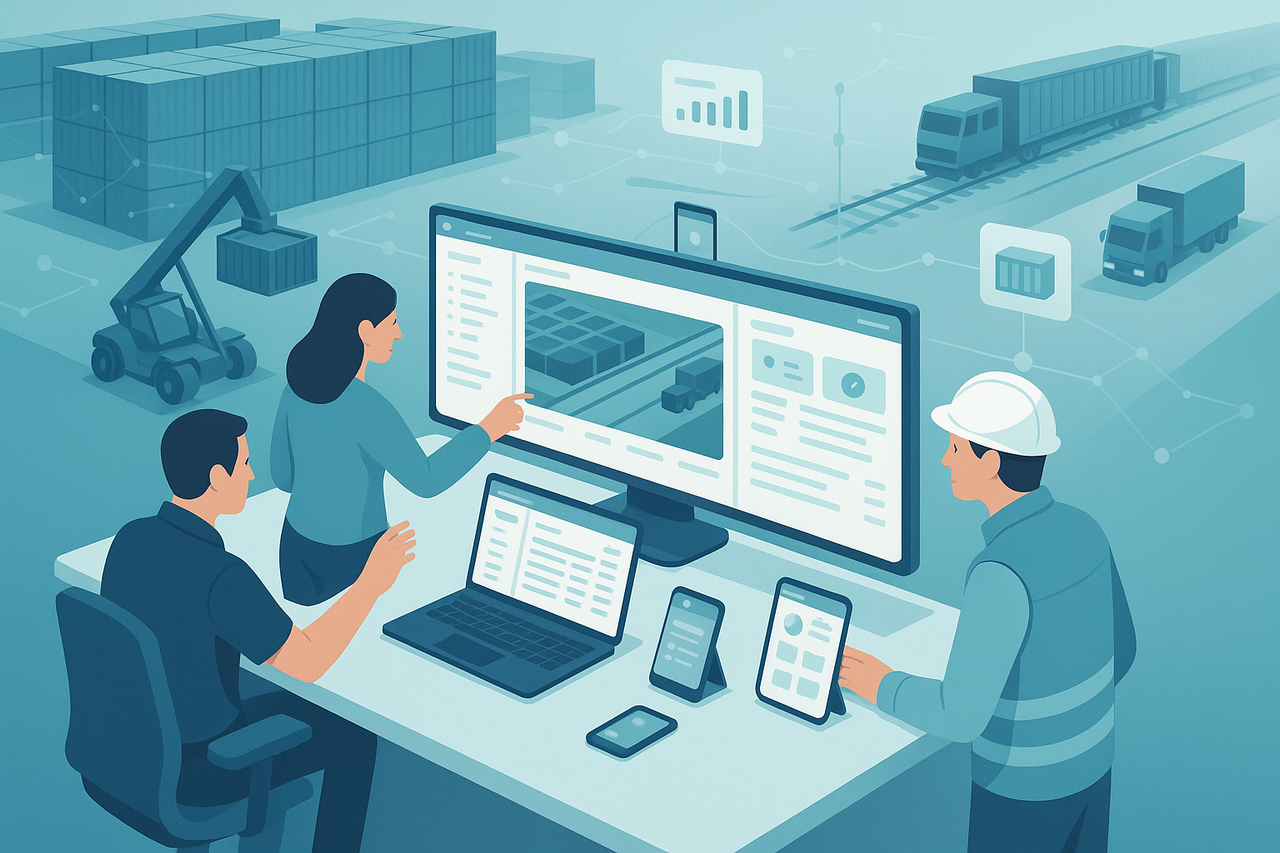
With ContPark’s container terminal management system logistics providers move away from isolated applications towards one unified web platform. All core processes for yard, gate, rail and depot management run inside a single browser-based interface.
Gate staff register truck arrivals and departures, yard planners allocate storage and moves, rail coordinators monitor train composition, repair teams record EIR data, and finance uses the same operational records for invoicing. Everyone works on one database, in one interface, with role-based access.
Built Around Real Terminal Roles
ContPark mirrors typical roles in a container facility so users see only functions they actually need:
- Gate operators handle gate-in/gate-out, document checks, seal status and basic inspections.
- Yard planners manage storage blocks, create move tasks, monitor occupancy and dwell times.
- Reach stacker and equipment drivers receive clear move instructions on screens and confirm completions with minimal clicks.
- Rail coordinators assign containers to tracks and wagon positions, track progress of loading and unloading.
- Repair and inspection teams document damages, estimates and repair jobs, with photo evidence if required.
- Back office and finance use accurate operational data for storage charges, handling fees and contract-based tariffs.
Because all roles operate inside one web platform, process changes roll out fast. When a new service type, storage rule or tariff appears, configuration is done centrally and becomes available to all relevant users at once.
Key Advantages of ContPark’s Web-Based System
Moving to a browser-based platform changes how terminals think about software deployment and daily operations.
- No Installation Required. Users access the system from any modern browser. New devices join in minutes, which is useful for temporary workstations, contractors or crisis setups.
- Cross-Device Compatibility. The same interface runs on desktops, laptops, tablets and smartphones. Supervisors can walk the yard with a tablet, while planners work on larger screens in the control room.
- Automatic Cloud Updates. New functions, performance improvements and fixes go live centrally. There is no need to distribute installers, chase device owners or coordinate manual updates.
- Real-Time Synchronization. When a container moves, a gate event occurs or a repair is finished, data updates immediately for every session. Yard plans, dashboards and reports reflect actual activity, not yesterday’s export.
- Reduced IT Overhead. One web platform replaces a combination of client apps, custom scripts and spreadsheets. IT teams can focus on security, integrations and data quality instead of daily client maintenance.
From Many Tools to One Operational View
Terminals that switch to ContPark usually come from environments where tasks are spread across several applications. A typical before/after picture looks like this:
- Before: Gate, yard planning and rail operations work in different systems. Repair teams use paper or Excel. Data flows via email or manual exports.
- After: All daily work happens in a single browser-based interface. Status changes are visible across departments, so fewer phone calls and informal lists are needed.
This unified view cuts down on duplicate data entry, reduces mismatch between systems and makes it easier to introduce new services or reconfigure the terminal layout.
Real-World Use Cases
Gate and Yard in One Workflow
When a truck arrives, gate staff record the visit in ContPark: container ID, booking details, operator, seal, basic condition. The platform automatically selects a target storage area based on rules and current capacity. Yard planners see the new unit appear in their view and create a move task for equipment. Once the container is in place, the task status switches to completed and storage time starts counting – without extra steps in another tool.
Rail Operations for Inland Terminals
In inland rail hubs, coordination between yard and track is critical. ContPark gives rail coordinators a clear overview of planned trains, wagon positions and units assigned to each slot. When loading starts, equipment operators confirm every move in their browser session. Rail status updates in real time, so planners and customer service can see when a train is ready or where delays occur.
Damage Control, Repairs and EIR
Inspection teams use ContPark on tablets to record damages directly at the container. They select standardized codes, mark locations on diagrams and attach photos if needed. Repair jobs are created from this data, tracked until completion and become part of the container’s history. Finance later uses the same information for invoicing, without retyping notes from paper forms.
Security, Reliability and Integration
Running operations in a browser does not mean giving up control. ContPark is designed for secure, reliable terminal work.
- Role-based access control. Each user receives permissions that fit their job. Sensitive functions such as tariff changes or manual adjustments stay limited to authorized staff.
- Audit-friendly data. Container events, moves and changes in key fields are stored with timestamps and user IDs, which helps during disputes or compliance checks.
- Integration-ready. The platform can connect to carrier EDI, ERP systems or port community platforms via APIs and standard messages. This keeps terminals part of larger digital logistics chains.
Implementation Roadmap for Terminals
Switching to a browser-based platform becomes easier when done in clear phases:
- Assessment. Map current tools, integrations and pain points. Identify quick wins such as replacing spreadsheets for storage control.
- Pilot. Start with one area – for example inbound gate and a limited number of blocks – and run ContPark in parallel to validate flows and user experience.
- Training. Use short, targeted sessions for each role. Because the interface is consistent across devices, training focuses on process rather than tool complexity.
- Gradual expansion. Add more areas, shifts and functions, while retiring old tools step by step.
- Optimization. Once ContPark covers core operations, terminals can refine rules, automate more decisions and extend reporting to management dashboards.
Simplifying Logistics with ContPark
By replacing many separate applications with one browser-based platform, ContPark helps logistics providers reduce friction in daily work. Gate, yard, rail, repair and billing teams operate on the same real-time data and do not lose time syncing information between tools.
IT gains a manageable, cloud-based system instead of a patchwork of clients. Management receives consistent KPIs and can react faster to changes in volume, customer requirements or network disruptions. Operators on the ground see a simpler interface that follows their actual workflow.
Experience the next generation of terminal control with ContPark: log in through your browser, manage container flows, adjust yard plans and keep operations synchronized – without installing extra software on every device.